

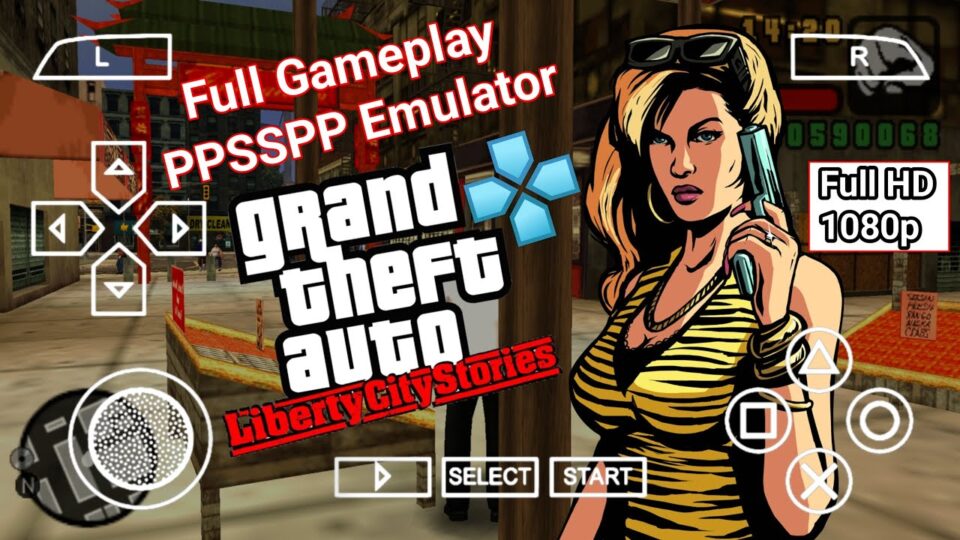
GTA Liberty City Stories PSP holds a special place in handheld gaming history as the very first Grand Theft Auto game built specifically for a portable system, and more than that, it was the launch title that convinced a lot of people the PSP could actually handle a proper open-world game. Rockstar squeezed an entire living city into a handheld back in 2005, and running it today through an emulator turns that ambitious original release into something that looks and plays sharper than most players ever got to experience on the original hardware.
Game Overview and Story
GTA Liberty City Stories PSP puts players in the shoes of Toni Cipriani, a made man in the Leone crime family who returns to Liberty City after years spent in exile for killing a fellow mobster as a favor to his boss. The story is set in 1998, three years before the events of Grand Theft Auto III, and it follows Toni as he claws his way back into the good graces of Salvatore Leone while the city’s other criminal factions, the Yakuza, the Triads, the Sindacco family, and more, all jockey for territory and influence around him. It’s a prequel in every sense, filling in backstory for characters and locations that longtime GTA III players would already recognize, while standing entirely on its own for newcomers.
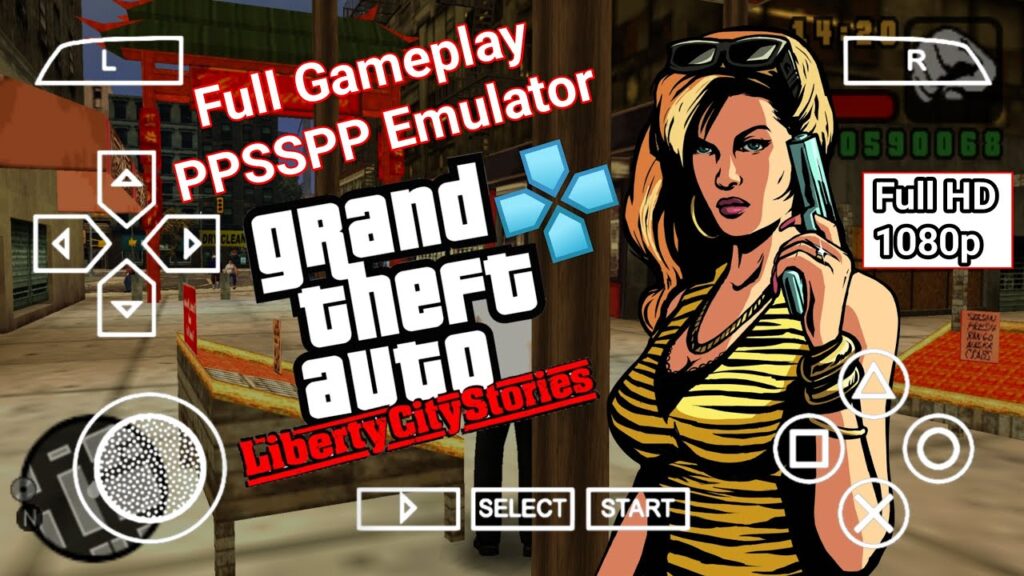
Structurally, GTA Liberty City Stories PSP follows the open-world formula the series had already established, letting players roam freely across Liberty City, take on story missions from various crime bosses, cause general chaos, and pursue a long list of side content whenever the mood strikes. Rockstar built this specifically around the PSP’s strengths and limits, and the game includes multiplayer support over local Wi-Fi, letting players compete in deathmatch, capture the flag, and base-defense modes, a feature that never made it into the PS2 port that followed a year later. The PSP version also let players rip their own custom soundtrack from music stored on the memory stick, a genuinely ahead-of-its-time feature for 2005 handheld gaming.
What makes GTA Liberty City Stories PSP stand out even now is just how complete the world feels for a portable title from that era. The city is packed with side missions, vehicle types, weapons, and the kind of black-comedy tone the series built its reputation on, and Rockstar didn’t strip much out to make it fit on a handheld. Running it through PPSSPP today, with sharper resolution and steadier frame rates than the original PSP hardware could reliably produce, is genuinely one of the better ways to experience this era of Grand Theft Auto.
| Category | Details |
|---|---|
| Developer | Rockstar Leeds and Rockstar North |
| Publisher | Rockstar Games |
| Genre | Open-world action-adventure |
| Original PSP release | October 25, 2005 (NA) |
| RAM needed for emulation | 2GB minimum, 3GB or more recommended |
| Android OS version | Android 8.0 or newer recommended |
| Storage space | Roughly 700MB to 1GB depending on the game file used |
System Needs and Compatible Phones
GTA Liberty City Stories PSP is more demanding to emulate than most PSP titles from the same generation, since it’s rendering a full open city with traffic, pedestrians, and physics rather than a stage-based or linear layout. On a budget phone with a MediaTek Helio G-series chip and 3GB of RAM, the game runs, but busy downtown areas with heavy traffic can cause noticeable frame dips until settings are tuned properly.
Mid-range phones handle GTA Liberty City Stories PSP comfortably. A Snapdragon 680 or 695, or a Dimensity 700-series chip, with 6GB of RAM, keeps the open world moving at a stable pace even in the busiest parts of the city, and there’s enough headroom to bump the resolution above the PSP’s native output without introducing new slowdown. This is the tier where most players get a genuinely smooth experience without needing to compromise on visual settings.
Flagship phones running a Snapdragon 8-series or Apple A-series chip handle the full open world without any real limitation, holding a locked frame rate through dense traffic, gunfights, and vehicle chases while pushing the resolution and texture quality well past what the PSP hardware ever displayed. This is genuinely one of the better-looking ways to experience Liberty City from this era of the series.
Because GTA Liberty City Stories PSP simulates an entire living city rather than a series of contained levels, CPU performance matters more here than in most other PPSSPP titles, and single-core speed remains the deciding factor over total core count. A phone with fewer, faster cores will consistently outperform one with more, weaker cores when handling the traffic and pedestrian simulation this game runs constantly in the background.
Gameplay Mechanics and Controls
The default control scheme in GTA Liberty City Stories PSP mirrors the original layout closely: the left stick or D-pad handles movement, the face buttons cover actions like entering vehicles and interacting with the world, and the shoulder buttons manage targeting and drive-by shooting while behind the wheel. A Bluetooth controller makes precision driving and combat noticeably easier than a touchscreen, though the touch layout remains fully usable once camera sensitivity and button size get adjusted to a comfortable setup.
Missions in GTA Liberty City Stories PSP are handed out by various crime figures scattered across the city, and progressing through Toni’s story naturally opens up new districts, vehicles, and side content as trust with each faction grows. Outside of story missions, the game is packed with optional activities: taxi driving, vigilante missions, paramedic runs, and a long list of hidden packages and rampages scattered across Liberty City, all of which reward exploration well beyond the main plotline.
A few tips make the early hours smoother. Save frequently at safehouses, since GTA Liberty City Stories PSP doesn’t checkpoint mid-mission in most cases, and a failed late-stage objective can send players back to the very start of a mission. Stock up on weapons and armor before starting story missions with a high difficulty reputation, since running out of ammo mid-shootout is one of the more common causes of failed attempts. And take advantage of the multiplayer modes if a Wi-Fi connection is available through the emulator setup, since capture the flag and base defense modes offer a different pace from the single-player campaign entirely.
Technical Performance and Lag Fixes
Because GTA Liberty City Stories PSP renders a full open city rather than contained stages, most performance issues trace back to a handful of PPSSPP settings that weren’t tuned for an open-world workload.
Stuttering in busy downtown areas or during vehicle chases: Lower the rendering resolution one notch below the phone’s native screen resolution, since open-world traffic and pedestrian density make resolution the single biggest factor in frame drops for this particular game. Switching to “Buffered Rendering” instead of “Skip Buffer Effects” also helps smooth out sudden dips when the city gets crowded.
Audio crackling or falling out of sync: Raise the audio buffer size or switch off “Low Latency” audio mode, which resolves crackling on most budget and mid-range devices, particularly during radio station playback while driving. If cutscene dialogue drifts out of sync, a low frame-skip value of 1 or 2 typically realigns it.
Overheating during longer sessions: Open-world simulation keeps the CPU working constantly even when nothing dramatic is happening on screen, so capping the frame rate at 30 instead of 60 meaningfully reduces heat buildup during extended play. Closing background apps before launching GTA Liberty City Stories PSP frees up thermal headroom the chipset needs to keep the city simulation steady.
Black screen or crash when entering new districts: Switching the graphics backend between Vulkan, OpenGL, and Direct3D in PPSSPP’s settings resolves this on most Android chipsets, since district-loading transitions can behave differently depending on which backend a phone handles best. Clearing the game’s cache through the emulator’s own settings menu, rather than reinstalling anything, fixes the majority of these reports without losing saved progress.
General slowdown across the city: Confirm the CPU clock setting is left on “Automatic” and that the JIT compiler is enabled rather than the older interpreter mode, since interpreter mode is dramatically slower on an open-world title like this one. Between correct JIT settings and a sensible resolution choice, most performance complaints around GTA Liberty City Stories PSP clear up in a single settings pass.
Conclusion
GTA Liberty City Stories PSP earned its reputation as a landmark handheld release for good reason, packing a genuinely full-sized Grand Theft Auto game, complete with local multiplayer and custom soundtrack support, onto hardware that had never handled anything like it before. Toni Cipriani’s story holds up as one of the stronger prequels in the series, and the sheer amount of side content packed into Liberty City means there’s plenty to do well beyond the main missions. On the hardware side, this is a more demanding game to emulate than most PSP titles from its era simply because of how much the open world has going on at once, but even budget phones can run it at a stable pace once the resolution and audio settings are configured properly.
For anyone running into stutter, audio drift, overheating, or black screens, the fixes above cover the overwhelming majority of reported issues, and a single pass through the graphics, audio, and JIT settings resolves most of them together. With a properly configured emulator, GTA Liberty City Stories PSP plays as one of the most impressive open-world experiences the original PSP library ever offered, now running smoother and sharper than the hardware it launched on ever allowed.
⚡ Get Game