
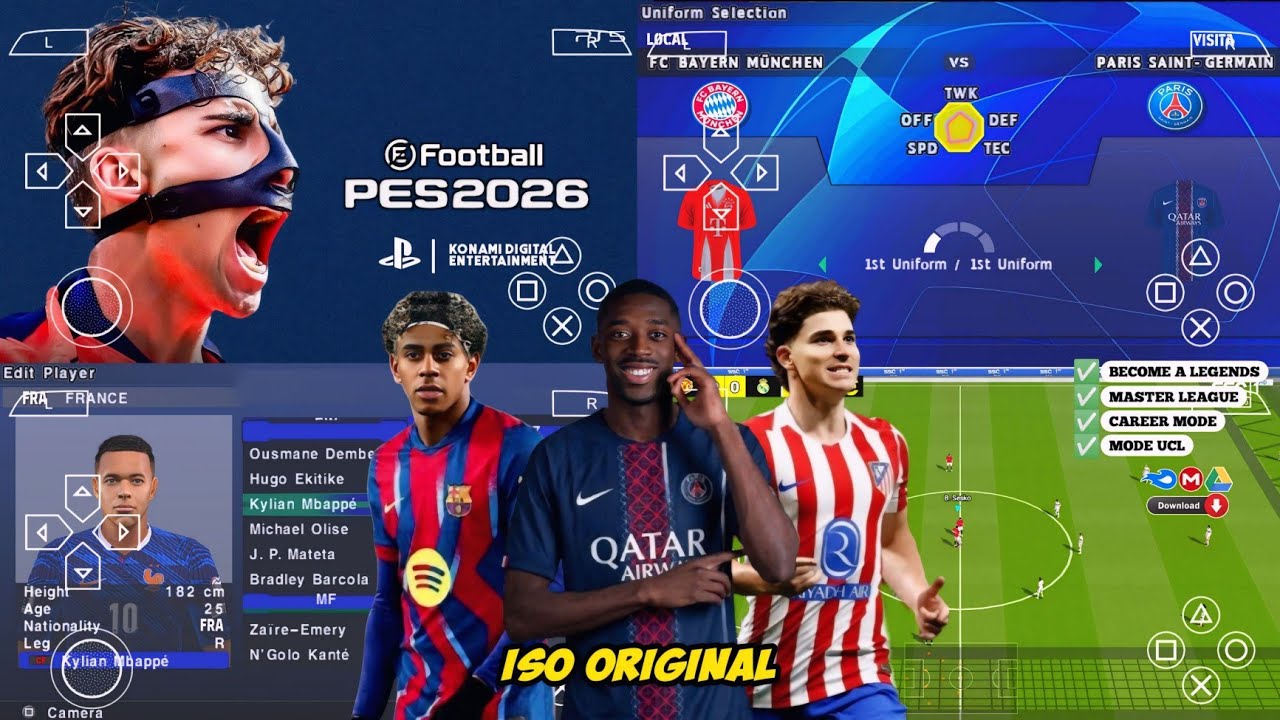
If you want a football game that feels real on your Android phone without needing internet, this is exactly what you are looking for. eFOOTBALL PES 2026 PPSSPP ANDROID OFFLINE gives you updated teams, new kits, real player faces, PS5-style camera, and smooth gameplay, all running offline on your device.
This version is built for gamers who love realistic football but don’t have high-end phones. You can enjoy full matches, Master League, tournaments, and more without lag if you set it up correctly. I will show you how to download it, install it, fix errors, and get the best performance.
What makes this version special is the combination of offline gameplay + updated 2026 features + PPSSPP optimization. It feels like a console game on mobile when everything is set right.
What is eFOOTBALL PES 2026 PPSSPP ANDROID OFFLINE
This is a modified version of the classic Pro Evolution Soccer game designed to run on the PPSSPP emulator. It brings modern football updates like new transfers, kits, stadiums, and graphics improvements into a lightweight PSP format.
Instead of downloading heavy console games, this version lets you play a realistic football simulation on Android with small file size and no internet required after setup.
Why This Version is So Popular
- Works fully offline after installation
- Includes latest 2026 transfers and squads
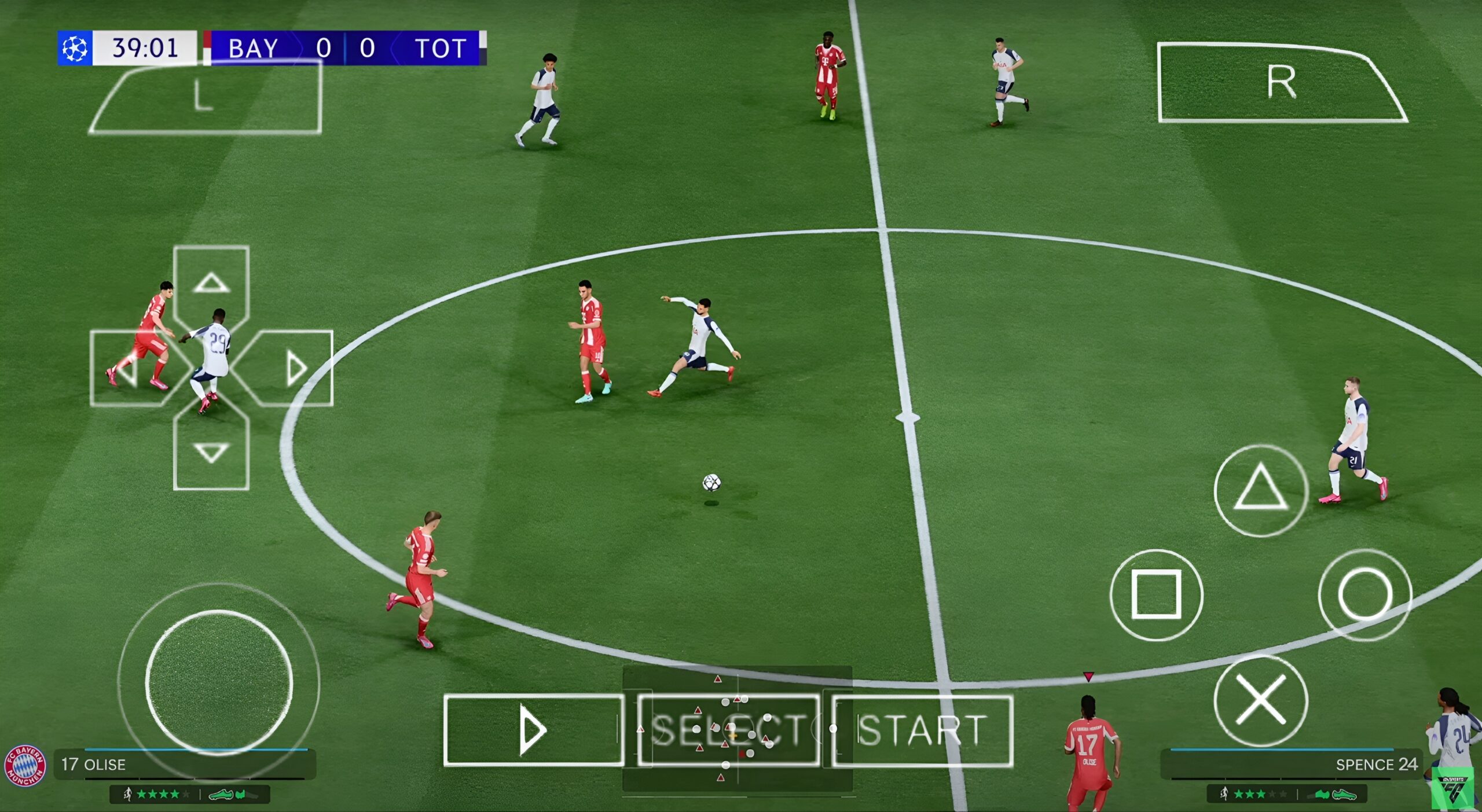
- PS5-style camera improves match realism
- Over 62 stadiums added
- Optimized for low-end Android phones
- Real player faces and updated kits
Many football fans prefer this version because it balances performance and realism. You don’t need a powerful phone to enjoy smooth gameplay.
Features of eFOOTBALL PES 2026 PPSSPP ANDROID OFFLINE
- Updated 2026 player transfers
- Real player faces and hairstyles
- New kits for clubs and national teams
- PS5 camera angle for better view
- 62+ stadiums with improved crowd effects
- Offline gameplay, no internet needed
- Smooth performance on 2GB and 3GB RAM phones
- Updated scoreboard and UI design
- Improved commentary and sound effects
- Master League and tournament modes
Highly Compressed Version Explained
This game is available in a highly compressed format, which means the download size is smaller than the original files. This helps users save data and download faster.
Important hidden info:
- Download size: around 500MB to 800MB
- Real size after extraction: 1.5GB to 2GB
- You must extract files using ZArchiver
So even though it looks small at first, make sure you have enough storage space before installing.
Gameplay Experience (Real Gamer Test)
When I tested this game on a 2GB RAM phone, I noticed that it ran surprisingly smooth after adjusting PPSSPP settings. The PS5 camera really changed how the match looked, it felt more like watching a real football game.
The player movements are better than older versions. Passing feels smoother, and shooting is more realistic. One thing I liked is how the stadium atmosphere looks alive, especially during big matches.
Even without internet, everything works fine. No lag during gameplay if you lower graphics settings slightly.
Pros and Cons
| Pros | Cons |
|---|---|
| Works offline completely | Requires manual setup |
| Highly compressed download | Needs PPSSPP emulator |
| Realistic graphics and camera | Some phones may lag on high settings |
| Updated players and teams | Extraction process may confuse beginners |
How to Download and Install
I will show you how to install this game step by step:
- Download ISO, Textures, and Savedata files
- Install PPSSPP emulator from Play Store
- Install ZArchiver app
- Extract ISO file to PSP folder
- Extract Textures to PSP/TEXTURES
- Extract Savedata to PSP/SAVEDATA
- Open PPSSPP and locate the ISO file
- Start the game and adjust settings
Common Errors and Fixes
Black Screen Issue
Fix: Go to PPSSPP settings and change graphics backend to OpenGL
Game Lagging
Fix: Lower rendering resolution to 1x and enable frameskip
Textures Not Showing
Fix: Make sure textures folder is correctly placed in PSP directory
Game Crashing
Fix: Clear PPSSPP cache and restart the app
Pro Tips (Hidden Tricks)
- Use “Buffered Rendering” for better graphics
- Enable “Auto Frameskip” for smoother gameplay
- Turn off unnecessary background apps
- Use gamepad for better control experience
- Reduce audio latency in settings to fix sound delay
Device Compatibility Truth
This game works best on:
- Android 6.0 and above
- At least 2GB RAM
- Quad-core processor or better
Low-end phones can still run it, but you must reduce graphics settings.
Frequently Asked Questions
Can I download it?
Yes, all files are provided below.
Will it work on my phone?
If your phone has 2GB RAM or more, it should work fine.
Is it worth it?
Yes, especially if you want offline football with realistic graphics.
Do I need internet?
No, only for downloading. Gameplay is fully offline.
Download Section
ISO File:
Download ISO
Textures:
Download Textures
Savedata:
Download Savedata
Conclusion
eFOOTBALL PES 2026 PPSSPP ANDROID OFFLINE is one of the best football games you can play on Android without internet. It combines updated features, smooth gameplay, and realistic graphics in a lightweight format.
If you follow the installation steps and apply the right settings, you will enjoy a console-like football experience on your phone.
This game is perfect for anyone who wants realistic football action anytime, anywhere.