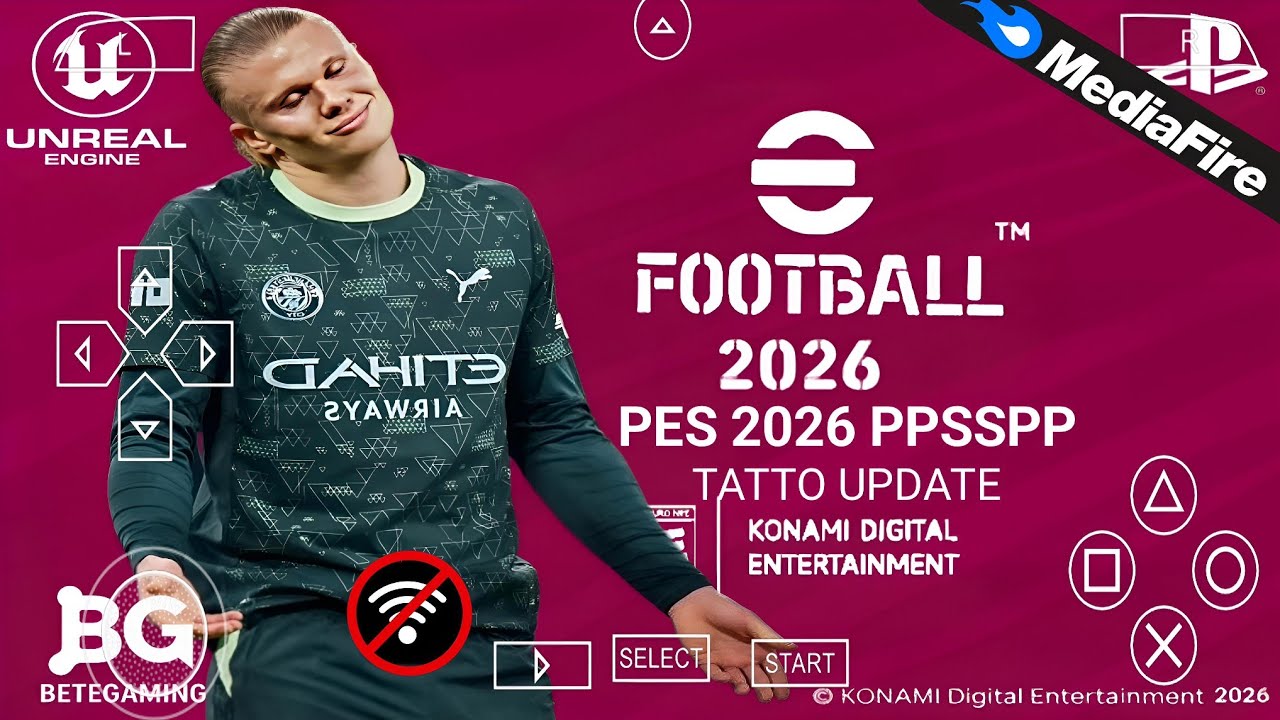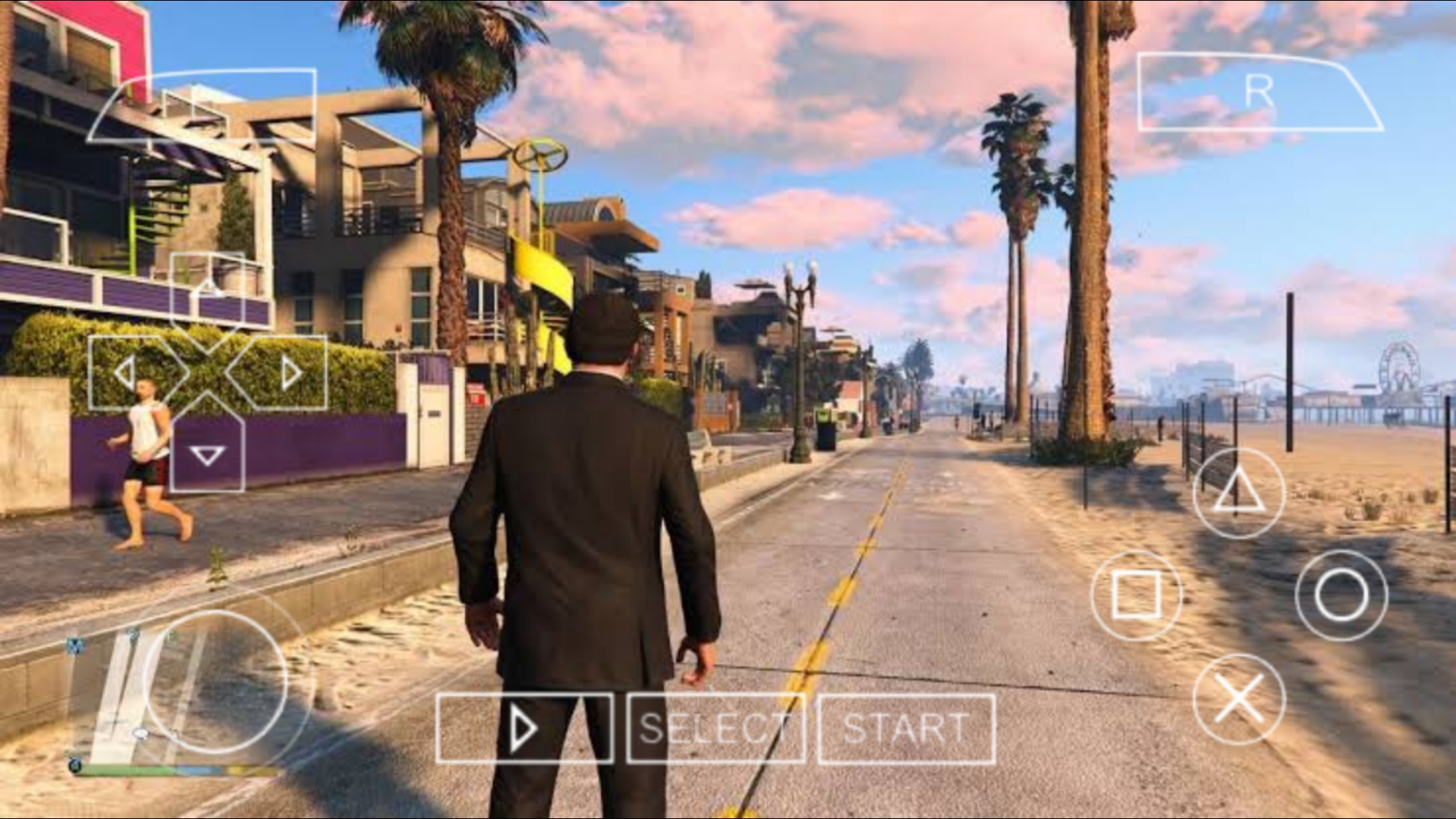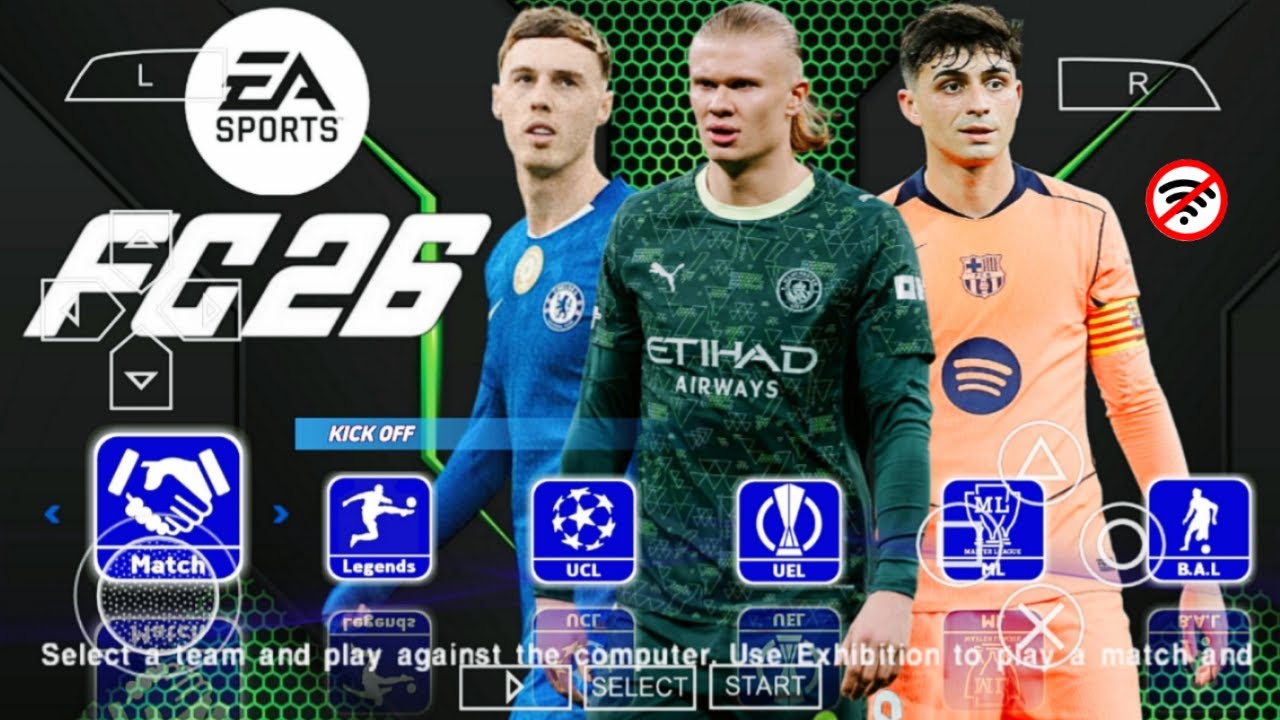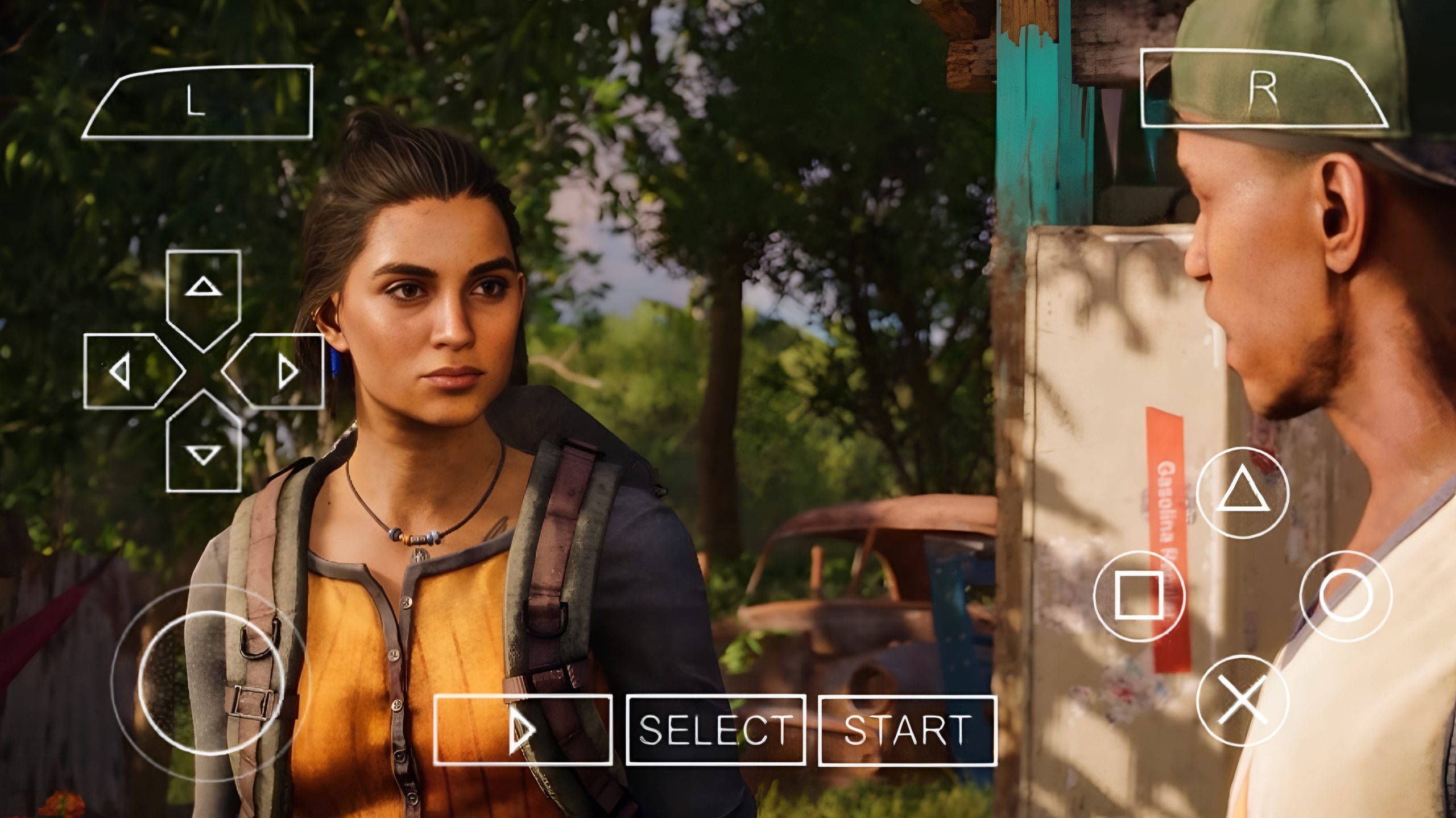

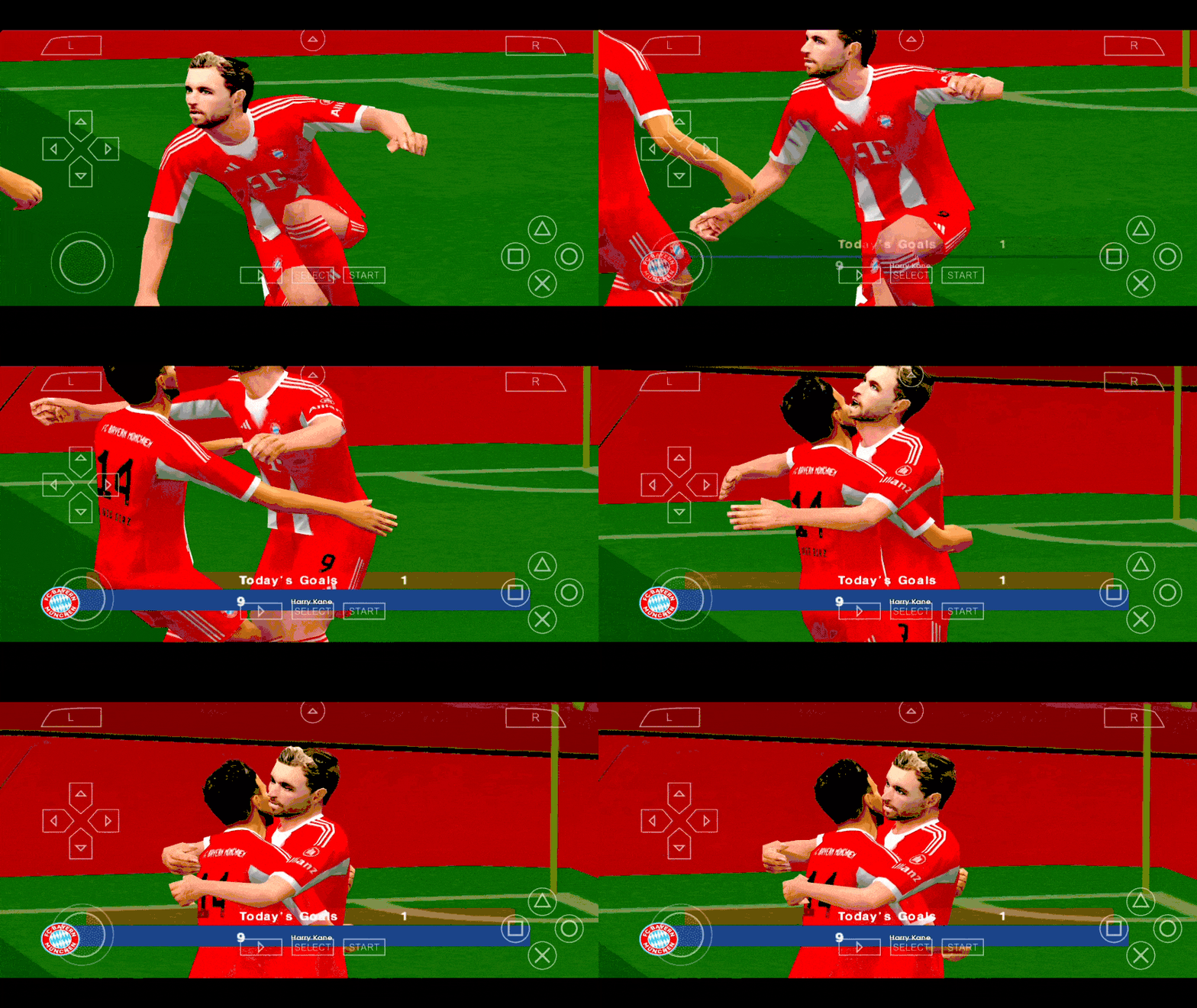
Football game fans on mobile know the frustration. Official PSP football games stopped getting updates years ago, squads are outdated, kits feel old, and transfer windows are completely ignored. Yet many players still prefer PPSSPP football because of smooth gameplay, offline support, controller compatibility, and low device requirements. That gap is exactly where eFootball PES 2026 Latest Transfers Mod PPSSPP comes in.
This mod is built for players who want modern football on the classic PSP engine. Updated squads, realistic transfers, current club lineups, new kits, and refreshed visuals, all running smoothly on Android using the PPSSPP emulator. For anyone searching for a highly compressed football game that still feels modern, this mod hits the sweet spot.
What eFootball PES 2026 Latest Transfers Mod Really Is
eFootball PES 2026 Latest Transfers Mod PPSSPP is a fan-made modification of classic PES PSP titles such as PES 2014 or PES 2017. Since Konami no longer releases new PES versions for PSP, modders rebuild the game every season to reflect current football realities.
The mod updates teams based on the latest transfer windows. Clubs like Manchester City, Real Madrid, Barcelona, Bayern Munich, PSG, Arsenal, and others feature modern squads. Player ratings are adjusted, formations are updated, and kits are redesigned to match current seasons. Some versions also improve menus, boots, balls, stadium textures, and commentary data.
Despite these upgrades, the game remains lightweight. Most versions are released as highly compressed ISO files, making them suitable for low storage devices and mid-range phones.
Why This Mod Is Popular on Mobile
PPSSPP remains one of the best emulators for Android. Combined with a modern PES mod, it offers a football experience that many native mobile games still struggle to match.
Key reasons players choose this mod include stable offline gameplay, smooth performance even on older devices, classic PES controls, realistic match flow, and freedom from constant internet requirements. Unlike many mobile football games, there are no forced updates or server dependencies.
Eligibility Requirements to Play on Android
Before setting up the game, a few basic requirements must be met. These are realistic expectations based on how PPSSPP and PES mods perform on Android devices.
An Android phone running Android 7.0 or higher is recommended. At least 2GB RAM is workable, though 3GB or more delivers smoother gameplay. Storage space of around 1.5GB is usually enough since most versions are highly compressed. A mid-range processor is sufficient, as PPSSPP is well optimized.
PPSSPP emulator must be installed, either the standard version or the Gold edition. No root access is required.
Game Advantages
The biggest strength of eFootball PES 2026 Latest Transfers Mod PPSSPP is balance. It delivers modern football content without demanding high-end hardware.
Gameplay feels tactical and slower compared to arcade-style mobile football games. Player movement, passing, and positioning feel closer to real football. Offline modes like Exhibition, Master League, Become a Legend, and League competitions remain fully playable.
Highly compressed file sizes make it ideal for users managing limited storage. Controller support adds another layer of comfort, especially for long sessions. Modded kits and squads give the feeling of a current-season football game without relying on online servers.
Game Disadvantages
Despite its strengths, this mod is not perfect. Graphics are limited by the original PSP engine. While textures and kits are improved, it cannot match console-level visuals.
Some versions may include minor bugs such as incorrect player faces, commentary mismatches, or menu text issues. Online multiplayer is not supported in most cases. Transfers are accurate up to a certain window, but future changes require downloading newer mods.
Because it is a mod, quality depends heavily on the creator. Some releases are better optimized than others.
Game Information
Game Name: eFootball PES 2026 Latest Transfers Mod
Platform: PSP via PPSSPP Emulator
Game Type: Football, Sports
Mode: Offline
Developer: Konami (Original PES PSP engine)
Mod Type: Latest transfers, updated kits, squad update
File Format: ISO
Compression: Highly compressed
Controls: Touch controls, external controller supported
Natural Keywords Players Look For
This game is commonly searched using phrases like PES 2026 PPSSPP ISO, eFootball PSP mod, PES latest transfers PPSSPP, highly compressed football game for Android, best PSP football games, PES mod PPSSPP Android, and offline football games for mobile. These variations reflect real search intent and how players discover updated PES mods.
Step-by-Step Setup on Android
Setting up PPSSPP football mods is straightforward when done correctly.
First, install the PPSSPP emulator on your Android device. After installation, launch it once so it creates its folders.
Next, extract the downloaded PES 2026 mod file if it comes in ZIP or RAR format. The result should be an ISO file.
Move the ISO file into a folder you can easily access, such as PSP or Games on your internal storage.
Open PPSSPP, navigate to the folder where the ISO is stored, and tap the game to launch it.
Inside PPSSPP settings, adjust graphics to match your device. Enable frameskip only if needed, set rendering resolution to 2x or 3x for better visuals, and keep buffering enabled for smoother play.
Setting Up Games with APK, OBB, and Data Files
Some football games use APK, OBB, or data folders instead of ISO files.
For APK games, install the APK first. Move the OBB folder to Android/obb and the data folder to Android/data if provided. Launch the game after placing files correctly.
PPSSPP games do not use OBB or data folders. Everything runs directly from the ISO file, which is why many players prefer PSP mods for simplicity.
Common Issues and How to Fix Them
Black screen on launch is often caused by corrupted ISO files or incorrect extraction. Re-extract the file and confirm the ISO size matches the original release.
Lag during gameplay usually comes from high graphics settings. Lower rendering resolution, disable shaders, and turn off post-processing effects.
Game crashing at kickoff can be related to incompatible save data. Delete old save folders inside PSP/SAVEDATA and restart the game.
No commentary or wrong commentary language is common in mods. This does not affect gameplay and depends on the mod version.
Controller not working properly can be fixed by mapping buttons manually inside PPSSPP control settings.
Common Mistakes to Avoid
Many players make the mistake of extracting ISO files multiple times, resulting in broken game files. Always extract once and confirm the format.
Running high graphics settings on low-end phones causes unnecessary lag. PPSSPP is flexible, but pushing it beyond device limits hurts performance.
Mixing different save data versions can cause crashes. Always start fresh when installing a new mod version.
Downloading incomplete files leads to black screens or freezes. Always confirm file size after download before setup.

Conclusion
eFootball PES 2026 Latest Transfers Mod PPSSPP proves that classic football engines still have life left in them. With updated squads, modern kits, smooth offline gameplay, and highly compressed files, it remains one of the best football experiences on Android for players who value realism and control.
It is not about flashy graphics or online rankings. It is about enjoying proper football on mobile, anytime, anywhere, without internet pressure or heavy storage demands. For many football game fans, this mod delivers exactly that.